Author

Jessey Kwong
Pebble Co-Founder
Share article
Dark Mode, Mailing Insights and Smarter Filters 🌙 (May 2026 Pebble Feature Updates)
5
News
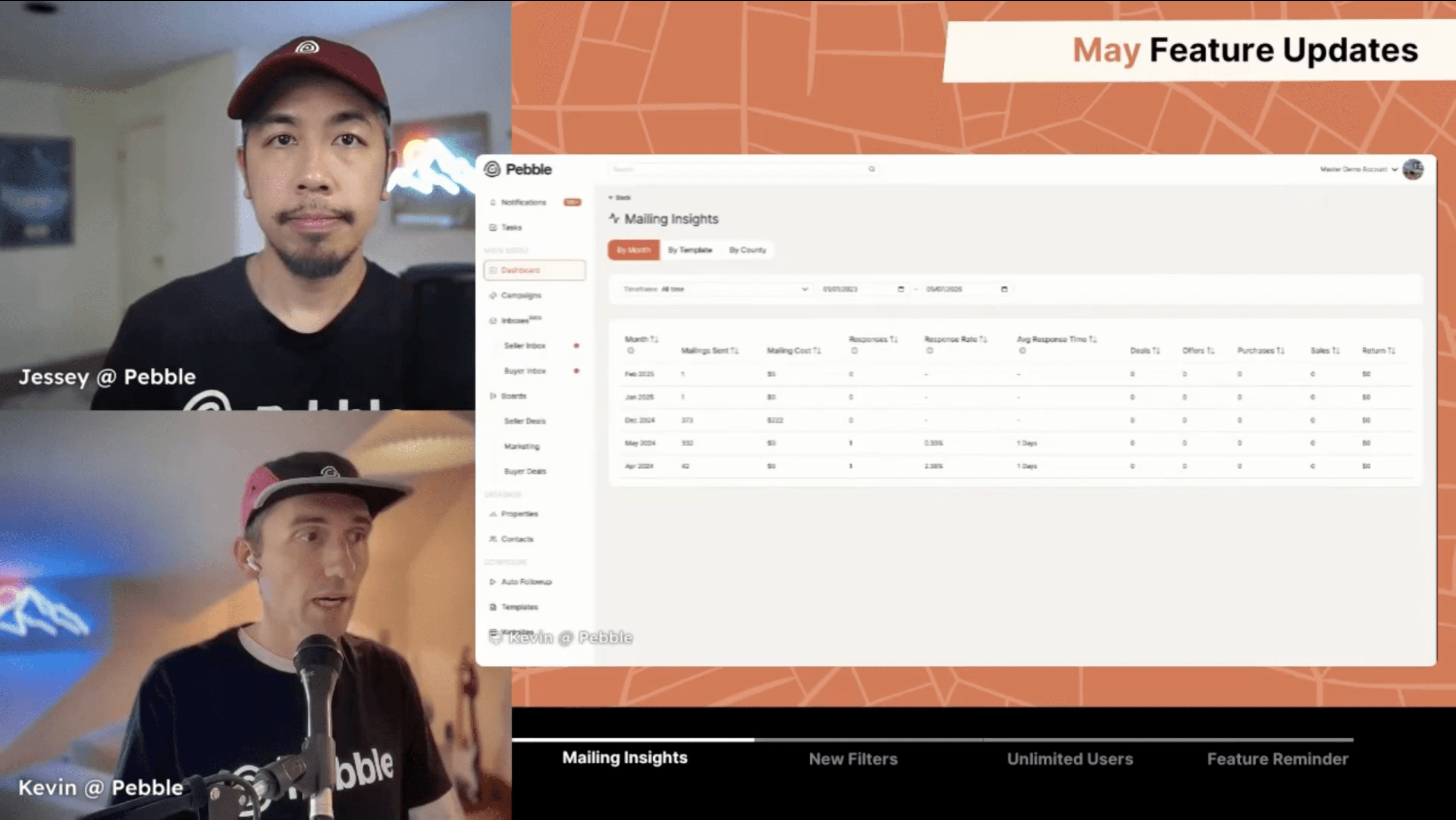
May is here and we've got a mix of long-requested updates and some powerful new tools to help you track what's working and move faster on your data.
Let's get into it.
🌙 Dark Mode
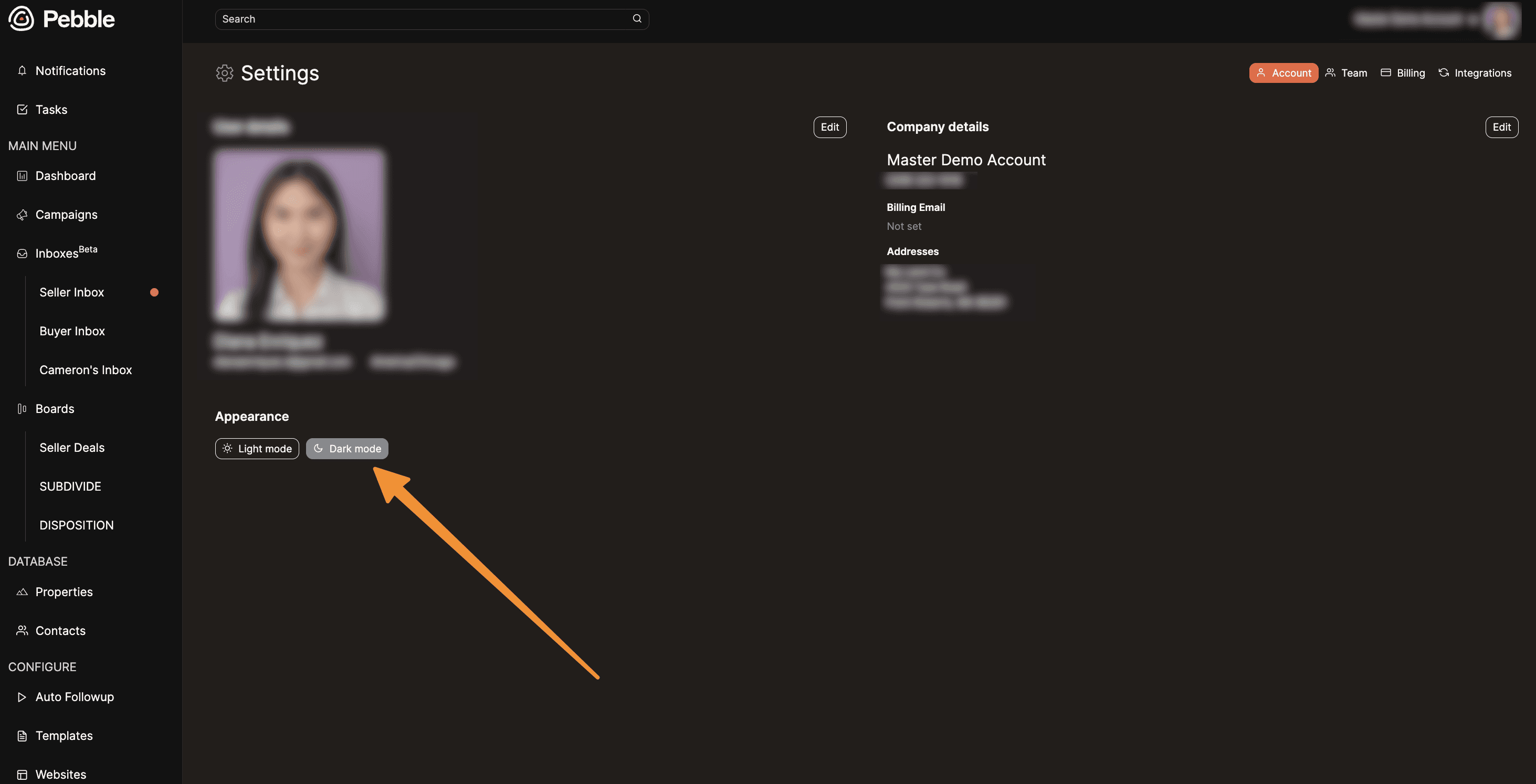
It's finally here. No more browser plugins needed.
Go to Account Settings and click the new Appearance tab
Toggle on dark mode and the entire app switches over
Inbox, deals, everything goes dark
If anything looks off or is hard to read, shoot us a note at hello@pebblerei.com.
📊 Mailing Insights
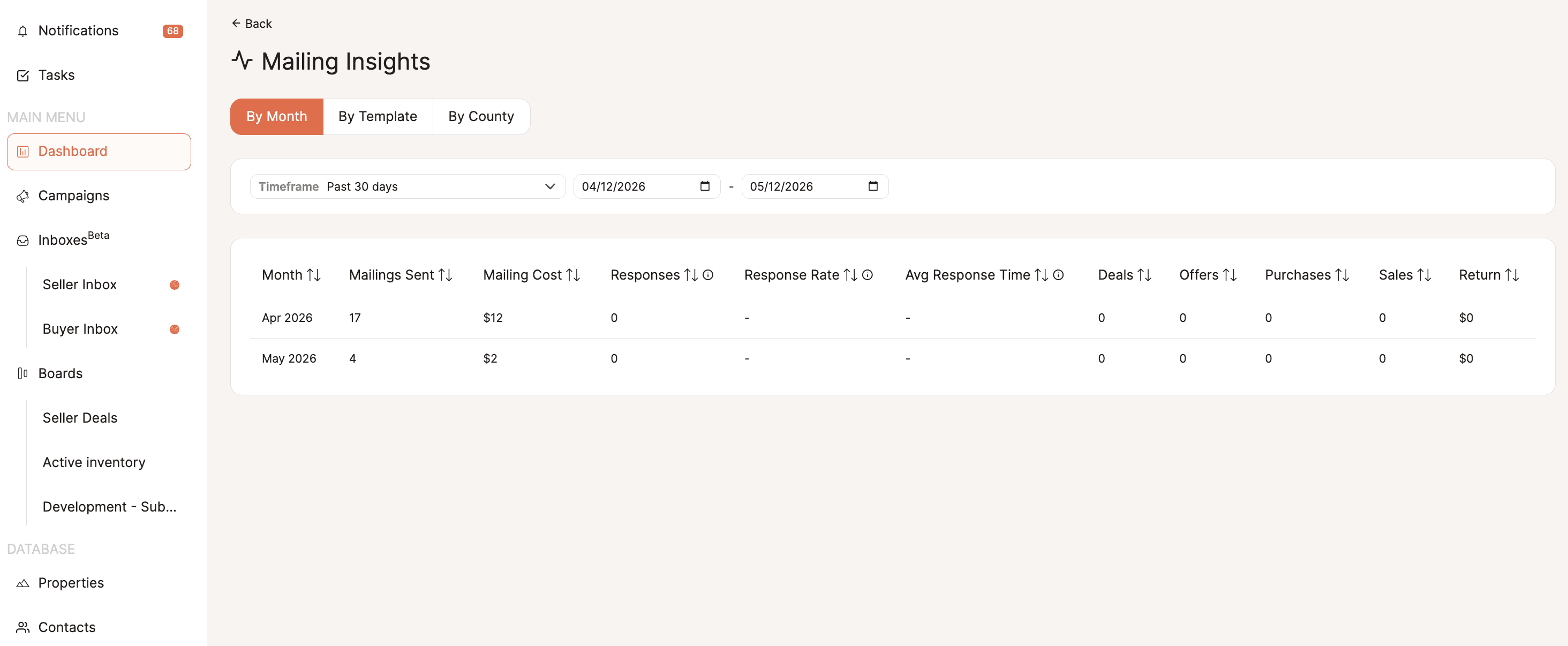
Pebble already tracks your entire mailing loop. Now that data is laid out in one place so you can see what's working.
Click the new See Insights button on your campaign report or dashboard:
By month: mailings sent, mailing cost, conversations generated, average response time, and total dollar return
By template: see which mailers are driving responses across mailing classes. Great for A/B testing
By county: break down response rates and returns for every county you're mailing to
Want to know if switching to first class speeds up your response time? Now you'll have the answer.
Note: still rolling out. If you don't see it yet, give it another week or so.
🔎 New Filters Across Contacts and Properties
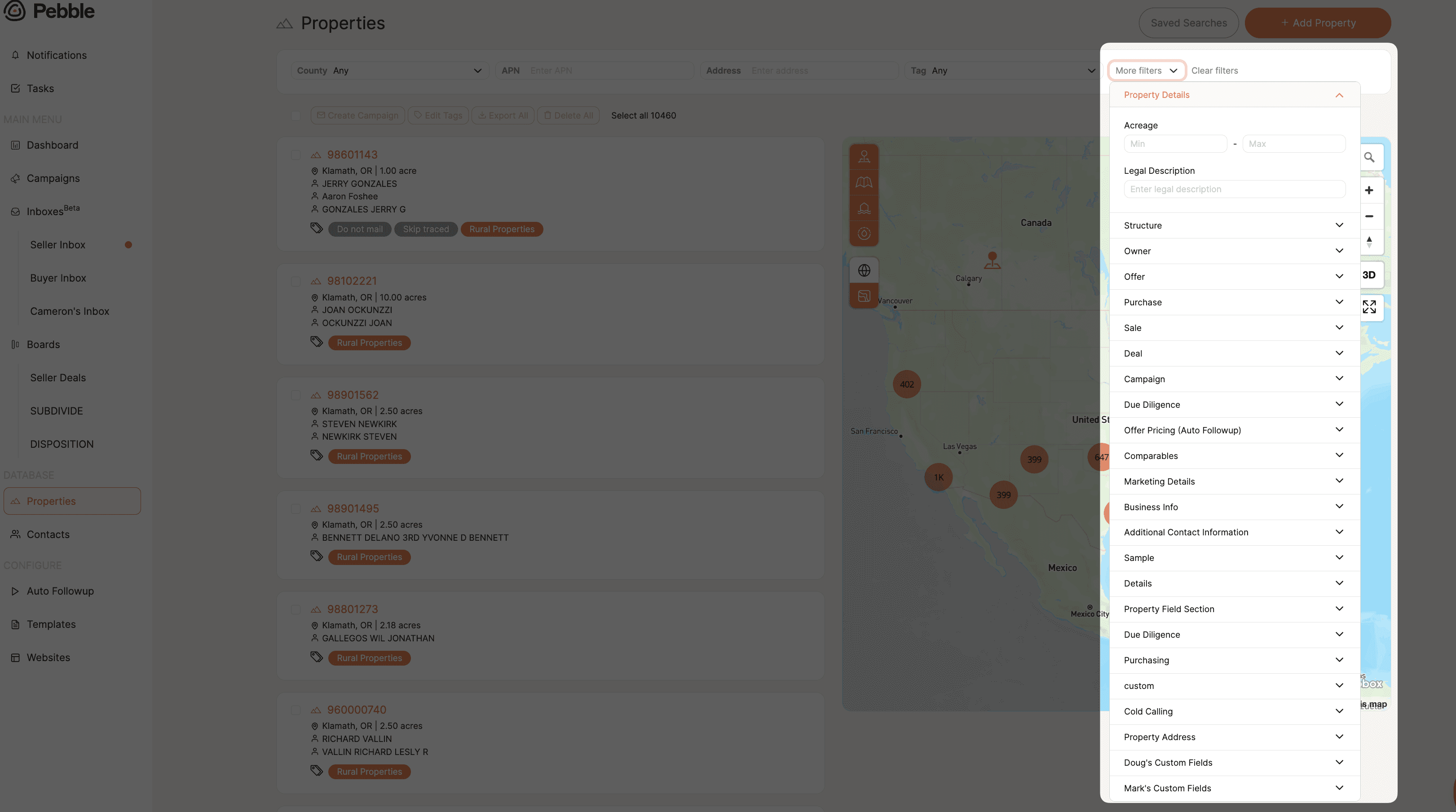
More filtering options across multiple pages to give you tighter control over your data.
On contacts, you can now filter by:
Tags, contact category, and property county
Deal stage, campaign, and send date
Conversation date. Want everyone you talked to between January and March? Pull that list and remarket to them directly.
On properties, we've added more structure filters under the More Filters panel for those working with houses.
🏢 Scale Plan: Uncapped Users

For those running bigger teams, the Scale plan now supports unlimited users. Everyone gets their own inbox and boards with no seat counting or extra charges.
Makes the most sense around six or more team members
Growth plan still lets you add seats individually if you need flexibility
📍 Feature Reminder: The Map Tool
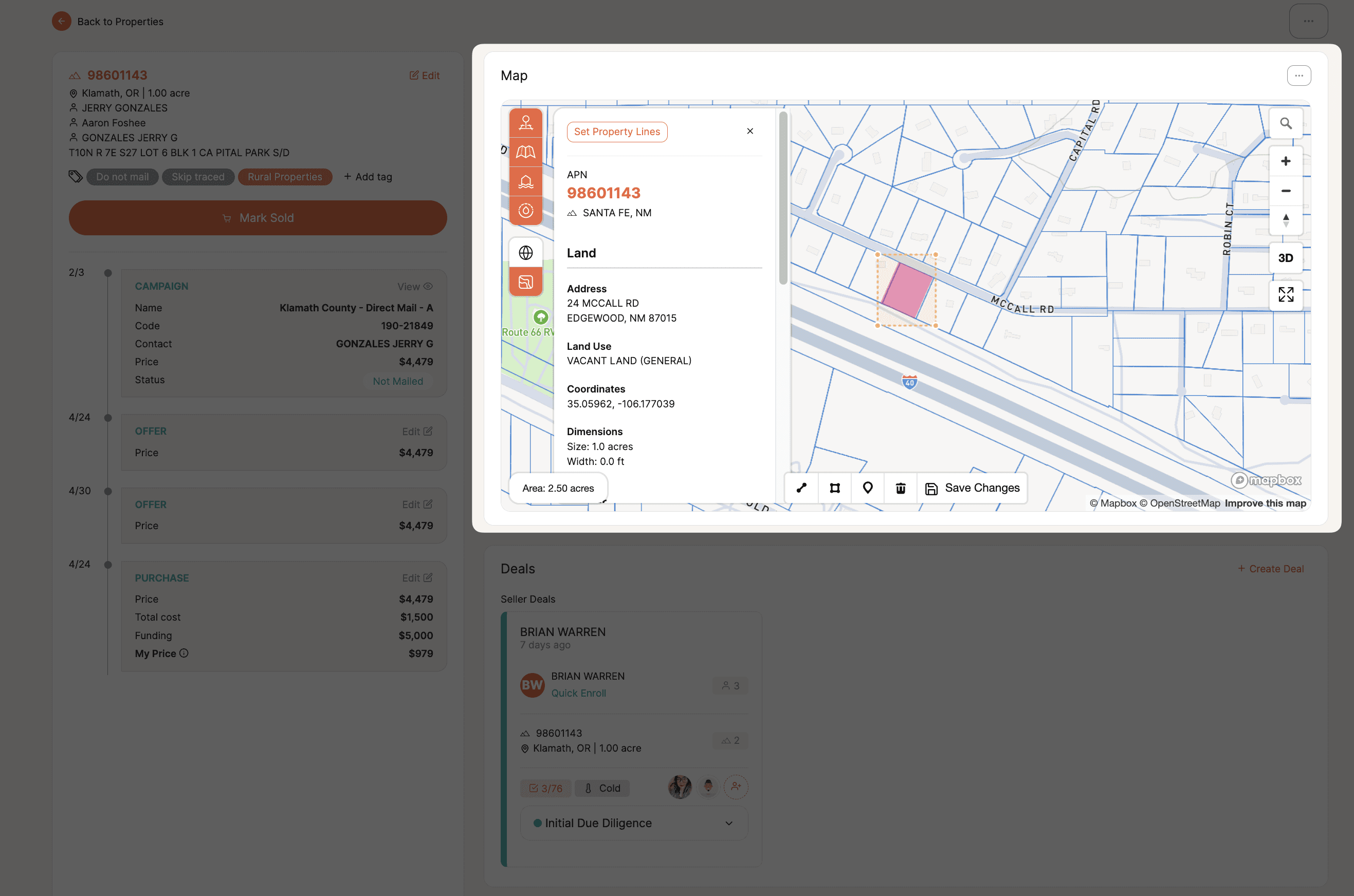
The map on your properties page isn't just a visual. Zoom into any area and the property list on the left filters down to match what's on screen.
Select all, create a campaign, and launch a hyper-targeted mailing in seconds
Works great for specific subdivisions, zip codes, or counties
Skip trace the list or drop it straight into a campaign
If you're not using the map to build targeted lists, you're leaving one of Pebble's best tools on the table.
🔭 What's Next
We're continuing to build out insights and reporting. If there's something specific you'd like to see, drop it in the comments or bring it to Office Hours.
💬 Join us every Wednesday at 12 PM PST for live Office Hours. We'll walk through recent features, answer questions, and show you how to get more out of Pebble. 👉 Join Office Hours
🔗 Stay Connected with Pebble
We're here to help you grow your land business:
Live Training Sessions – Weekly walkthroughs (Resources > Live Training)
Monthly Updates – Subscribe to our YouTube channel
Support Options – Live chat, email us at hello@pebblerei.com, or connect with us live